Mobile App Design Tips Every WooCommerce Store Owner Should Know
Posted On 18 September 25
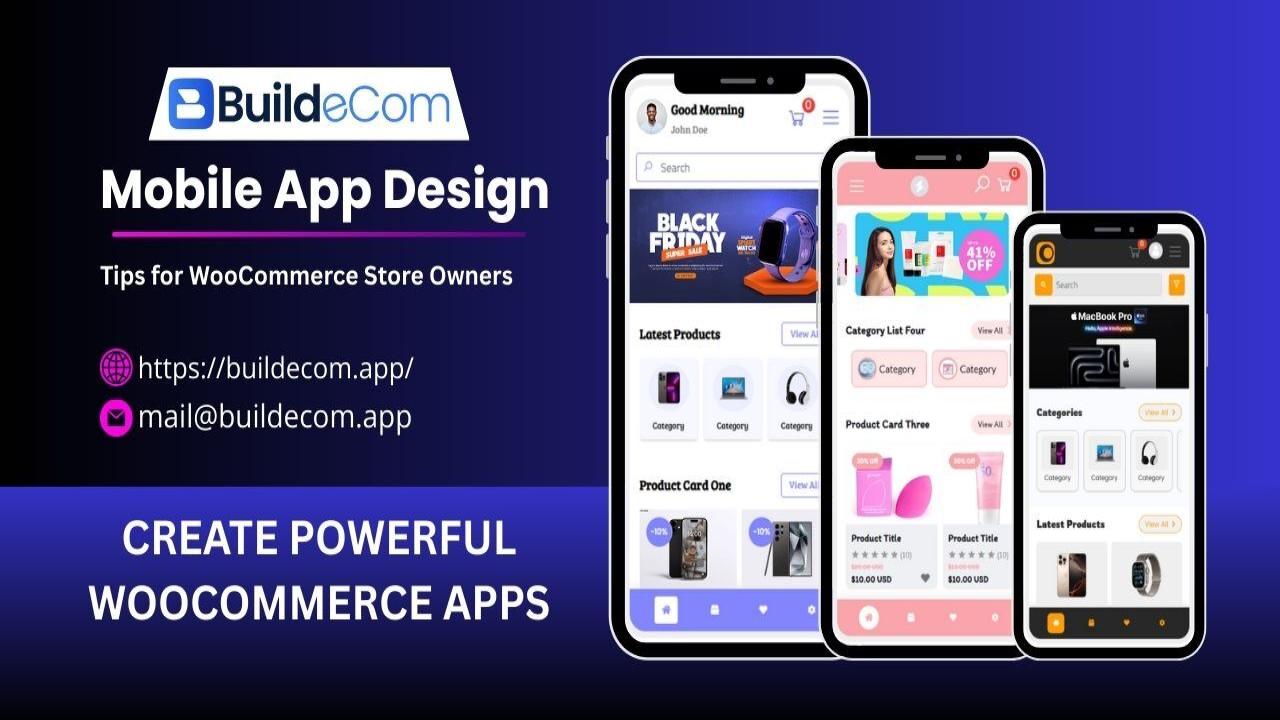
Mobile App Design Tips for WooCommerce Store Owners
It won’t be wrong if I say smartphones have become a part of our brains and minds. Whether you’re looking for something new or finding the right choice, we always pick up our phones and do the research.
More than half of your customers visit your store using mobile devices. So, you need to keep your shop’s shopping experience as smooth as possible. As there are tons of alternatives in each sector, it’s easier for customers to bounce off your platform and find a store better than yours.
Today, I’ll focus on the necessary mobile app design tips to increase the brand value and credibility of your WooCommerce store.
Why Mobile App Design Matters for WooCommerce Stores
Modern app design doesn’t only make your mobile platform look good. It also creates a user experience that converts visitors into buyers.
You are offering the best mobile app UX following recent user behaviors. Your application ecosystem will be more accessible to users.
App design isn’t restricted to colors and graphical content. You need to determine the size and placement of all elements properly. Ecommerce stores have tons of functions that you need to organize in your design. Ease of access in the WooCommerce store app means a user will be able to find the features in the right order, one after another.
Analyzing the user behavior will allow you to determine the right alignment of elements in a page. Based on the niche you’re working on, you’ll determine whether the cart option will float on the screen or remain stuck on the header.
Understand that designing UI/UX for mobile platforms is more complex than for desktop devices. The screen size remains very small. Yet, you need to adjust all the functions in the right way.
You are working hard on mobile app design tips and ideas to ensure minimal effort from users to use the system. No matter how minimal or dynamic your app is, these 3 things are crucial for your WooCommerce app development success:
Easy navigation
Logical flow of functions
Relevant and memorable aesthetics
Aesthetics might just be the tip of the iceberg, but it is still important. The best app interface design should remain in the memory of the users for a certain time. You need to create your brand identity, a reflection of your service, and your USPs. All these are highly important for mobile-first ecommerce store apps.
9 Mobile App Design Tips for WooCommerce Store Owners
Let’s cut to the chase. Here are the most important app design process tips for mobile apps.
Prioritize Mobile-First User Experience
To make a mobile-friendly storefront, you must ensure an easier and faster buyer’s journey. Make sure each page is well-responsive and loads almost instantly. For that, you can minimize the graphical content to keep the mobile app lighter. Jargon apps take tons of time to respond, even if the mobile specs are better than average.
The whole design should focus on smaller screen sizes. You need to organize all the elements properly on one screen without blocking the core of the page.
Keep Checkout Flow Simple & Optimized
One-page checkout is the best option for startups. The easier you make a purchase, the better you can obtain repeat clients.
Multiple payment options allow clients to have their freedom of transactions. Limiting your payment method only to card or mobile wallet will discourage those who prefer crypto, COD, or bank transfers.
Another thing you can offer is guest checkout features. It inspires new downloaders to buy something from your store even before going through any signup process.
Use Clear CTAs & Easy Navigation
Nowadays, you don’t have to educate users on which function is for what. But you have to ensure your buttons or options in the app are clear, precise, and visible in the right place.
If you go through the article by Steven Hooper, you’ll learn that more than half of smartphone users scroll using thumbs. So, keeping the major parts of the page at the center of the screen sounds logical. You can also keep the menu bar at the bottom, as thumbs easily reach the bottom of the screen.
Optimize Product Pages for Mobile Shoppers
In the WooCommerce app product page design, you need to keep the speed in mind once again. No matter what elements are in a page, you must ensure that the pages are loading in just one tap.
Image sizes should be reasonable. Don’t make them a burden for the server. And don’t forget to offer zoom-in options separately for the product images. To optimize mobile shopping apps, you can use JPEG or WebP formats.
According to Apple’s developers’ platform, you need to create controls that measure at least 44 points x 44 points so they can be accurately tapped with a finger. Also, text should be at least 11 points so it’s legible at a typical viewing distance without zooming.
Focus on Brand Consistency
Your WooCommerce mobile app is the online storefront of your business. Each page and option of your application should carry a personalized visual and message that speaks for your brand. Don’t go for template designs you find on the internet or others’ Figma portfolios.
Consistent ecommerce design can help users remember your brand and come back again. A shopping app can become your WooCommerce branding app if you can design it with your brand colors, unique features, and personalized presentations.
Enhance App Speed & Performance
Don’t use any irrelevant animations. Use highly optimized images that load fast and make your pages insightful.
The ideal load time is less than 2 seconds. Anything beyond will cause higher bounce rates and lower brand reputations.
But if some pages or options logically require more time to load, you can create a custom preloader to let users know the app is in process.
Personalize Shopping Experience with AI
Your WooCommerce mobile app can do more than just display products. With AI integration, you can make each buyer’s journey unique. For example, smart recommendation engines can suggest products based on browsing history and past purchases.
You can also design better search filters where users quickly find what they’re looking for without scrolling endlessly. AI-driven personalization doesn’t just increase sales, it also gives users the feeling that the app “understands” their needs. This makes your store stand out in a crowded ecommerce space.
Secure & User-Friendly Login Options
Login should be as easy as possible, but without any security concerns. Along with access via the platform’s user ID and password, social login should be right underneath for easy deport.
If you want to get advanced, you can integrate biometric authentication like Face ID or fingerprint.
Collect Feedback & Improve Continuously
Here’s the biggest myth we often believe: WooCommerce mobile app design is a one-time job. No, you need to update your app and its design frequently.
Take reviews and opinions from your users and clients. And understand their pain points. Sometimes, short in-app surveys or experience reviews can also come in handy.
Nonetheless, you need to go through reviews from app stores where your mobile app is published for download. Users express their frustration in comment sections, which can be a good guidebook for you.
Common Design Mistakes WooCommerce Store Owners Should Avoid
Even a small design error can frustrate buyers and push them toward competitors. Here are the biggest pitfalls you should avoid:
Overloaded navigation & too many popups: Complicated menus and constant interruptions drive people away. Keep navigation simple.
Ignoring mobile-first speed optimization: Large files and unoptimized images slow down the app, leading to higher bounce rates.
Poor CTA placement & weak checkout design: Hidden or unclear calls-to-action, along with lengthy checkout flows, directly reduce conversions.
In short, doing anything that exaggerates or is the opposite of the guide above will lead you towards a WooCommerce mobile app with a poor user experience.
Tools & Platforms to Build a Stunning WooCommerce Mobile App
You don’t need to be a coding expert to build a professional WooCommerce app. There are two main approaches you can take.
No-Code WooCommerce Mobile App Builder
There might be some doubts about this option, yet WooCommerce app builders are very handy when you can’t afford custom development or don’t have the time.
No-code app builders like BuildeCom are always a blessing because of their drag-and-drop feature that allows you to make a personalized ecommerce mobile app without learning to code.
Moreover, you can select and customize all the elements you need to create pages for your mobile app in BuildeCom. It's not just a template customization center. It can work just like a professional app development team that will work according to your commands.
Custom WooCommerce App Development
Custom development gives you the luxury to bring anything you want to your mobile app. You can directly visualize your dream storefront with custom development. Till now, it is the most prominent option.
But here are the main drawbacks. You can never expect all developers to have the expertise to understand your demands and fulfill them. Sometimes, they will charge you so much that you have to invest most of your business profits in building just one mobile app.
It’s not logical to invest so much money and your previous time in custom development when platforms like BuildeCom can offer 99% of what custom development can offer.
Final Thoughts
You are not creating a new application layout; you are designing a whole new personalized experience that shows how promising your mobile-first WooCommerce business is to your clients.
You can reflect your ecommerce store’s brand value by offering a smoother, faster, and memorable shopping experience in your mobile app. That’s what we were trying to explain in the list above on mobile app design tips and ideas.
Start your design by creating a mobile-first UX concept, then focus on the buyer’s journey, and finally create a personalized experience resonating with your brand identity.
Remember, a well-designed WooCommerce app can convert and hook users for a long time.
If you’re ready to leap onto the next step, start your journey with BuildeCom. Our platform is open for small to enterprise-level businesses. Forget about making your new WooCommerce mobile app from scratch.
Create your own app today with BuildeCom, where you can create unique and personalized apps despite being a non-developer.
Comments
Please login to comment on this blog.